Fabula.
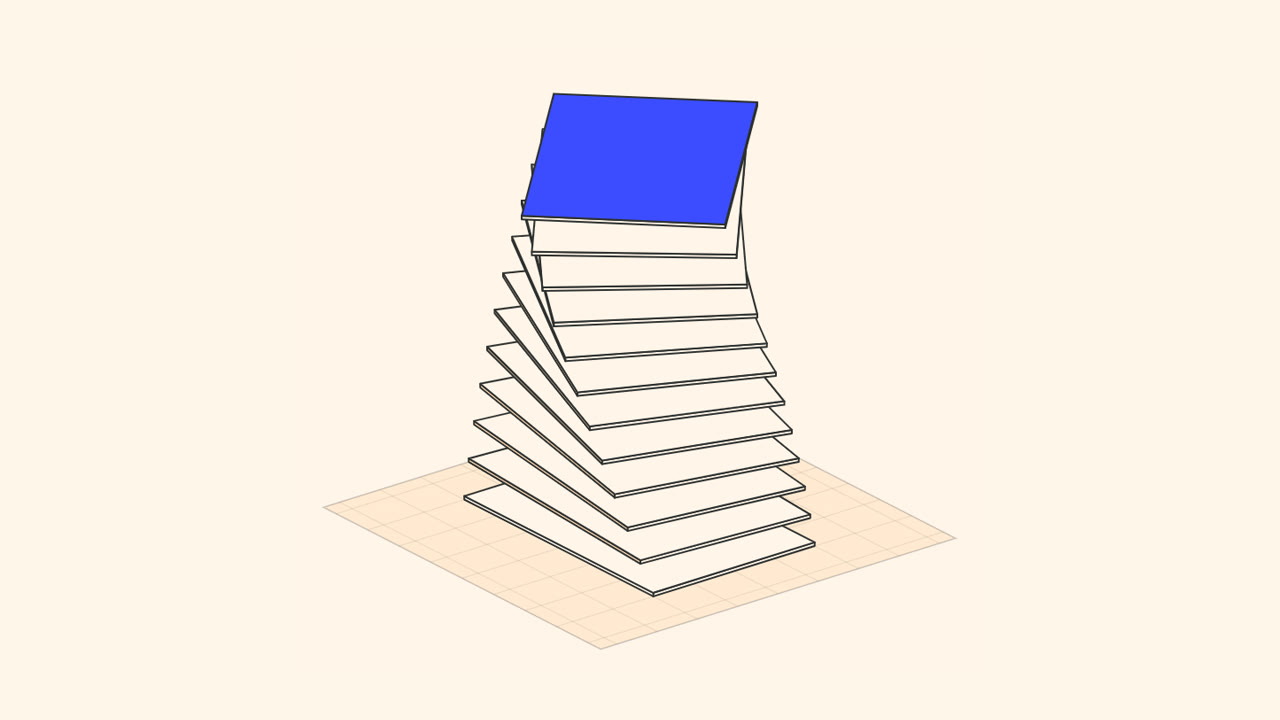
Shape your massing, stack the programme: every move becomes a page of your booklet. Arrows, notes and dimensioned plans follow, ready for the pitch.
A massing to shape → Project booklet and dimensioned plans (PDF)
Online tools designed by MIRALTO, and tested methods to bring AI into your projects.
Designed by MIRALTO, to open in your browser. Online, nothing to install, no account.
A few sentences of description, and Synaps produces plans, sections, elevations, 3D model and render of a 6-storey tower.
A few sentences of text → Synaps → Plans, sections, elevations, 3D and render
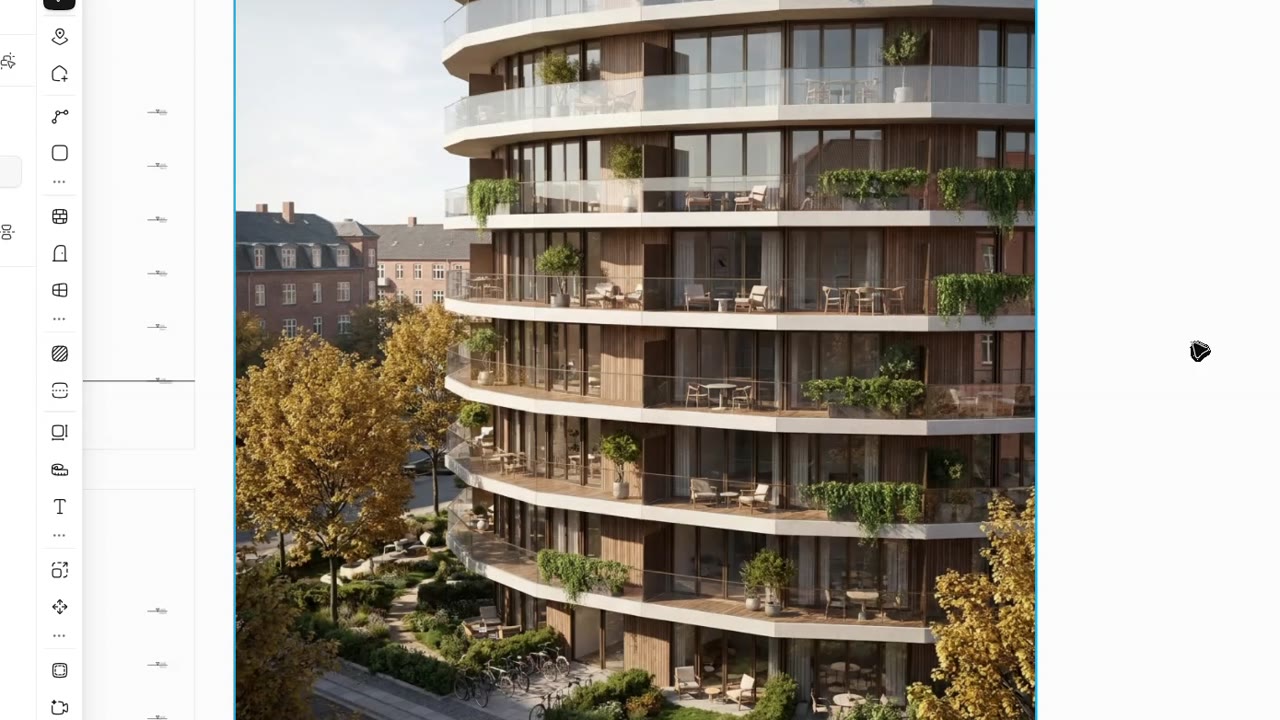 Quick test · 1 min 06
Turning repetitive tasks into buttons, in a Revit tab of your own. Claude Code writes the code, pyRevit makes it a button.
Repetitive tasks → Claude Code · pyRevit → Custom Revit tab
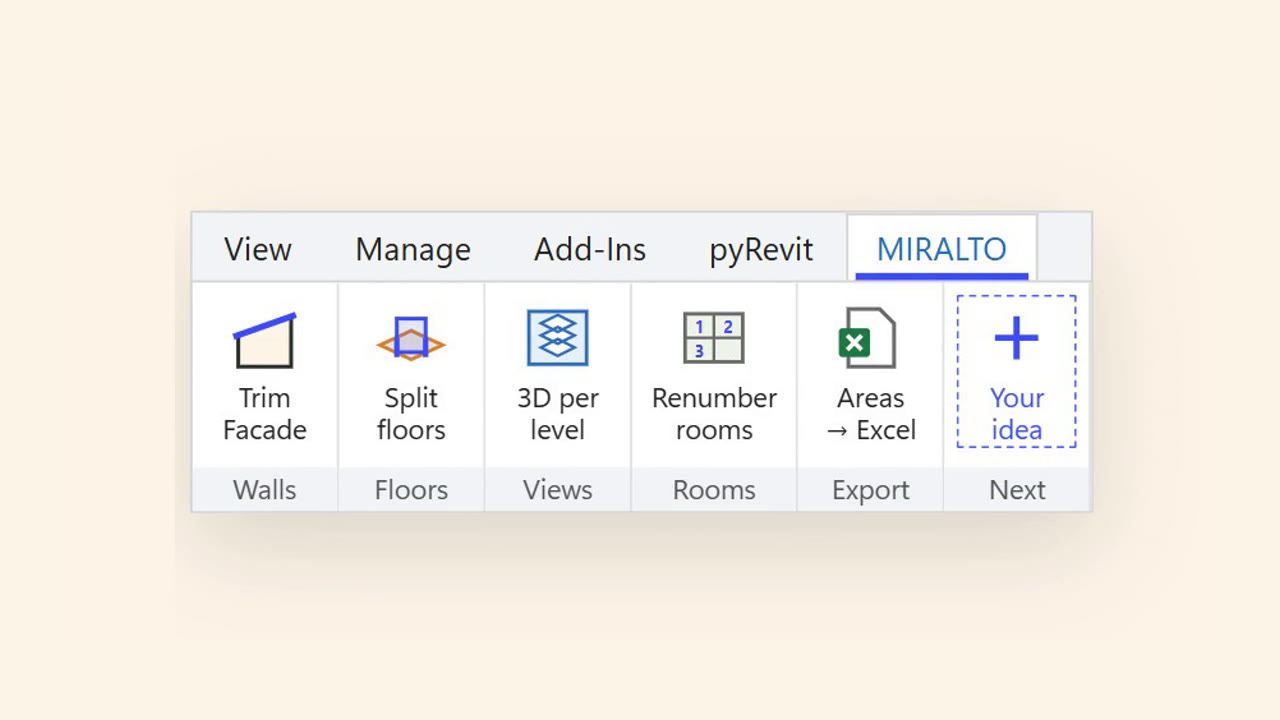 Animated tutorial · 2 min 55
With the open-source MCP mcp-servers-for-revit, you describe the result and Claude Code acts in Revit: parameters, filters, views, sheets.
An Excel file and a few sentences → Claude Code + MCP → A sheet set in Revit
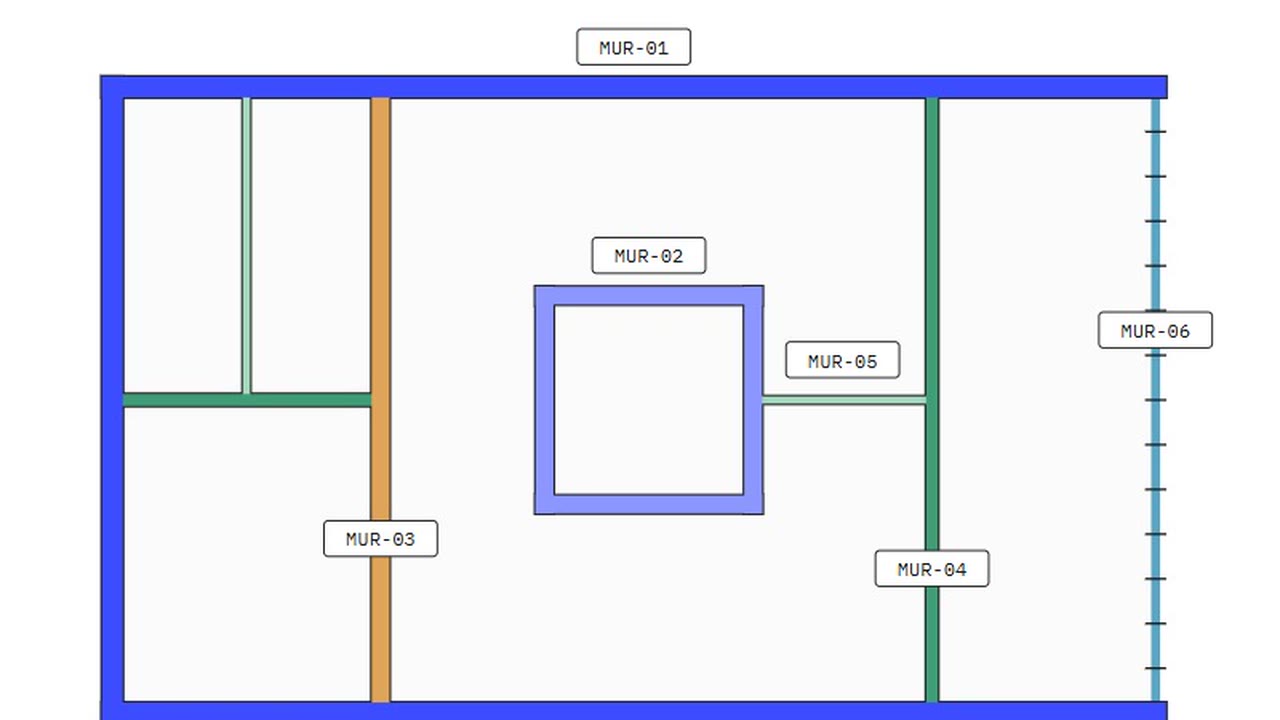 Animated tutorial · 2 min 28
One Rhino massing, a whole consistent series of diagrams: uses, exploded, access. xFigura draws without touching the geometry.
Rhino massing → xFigura → Concept diagrams
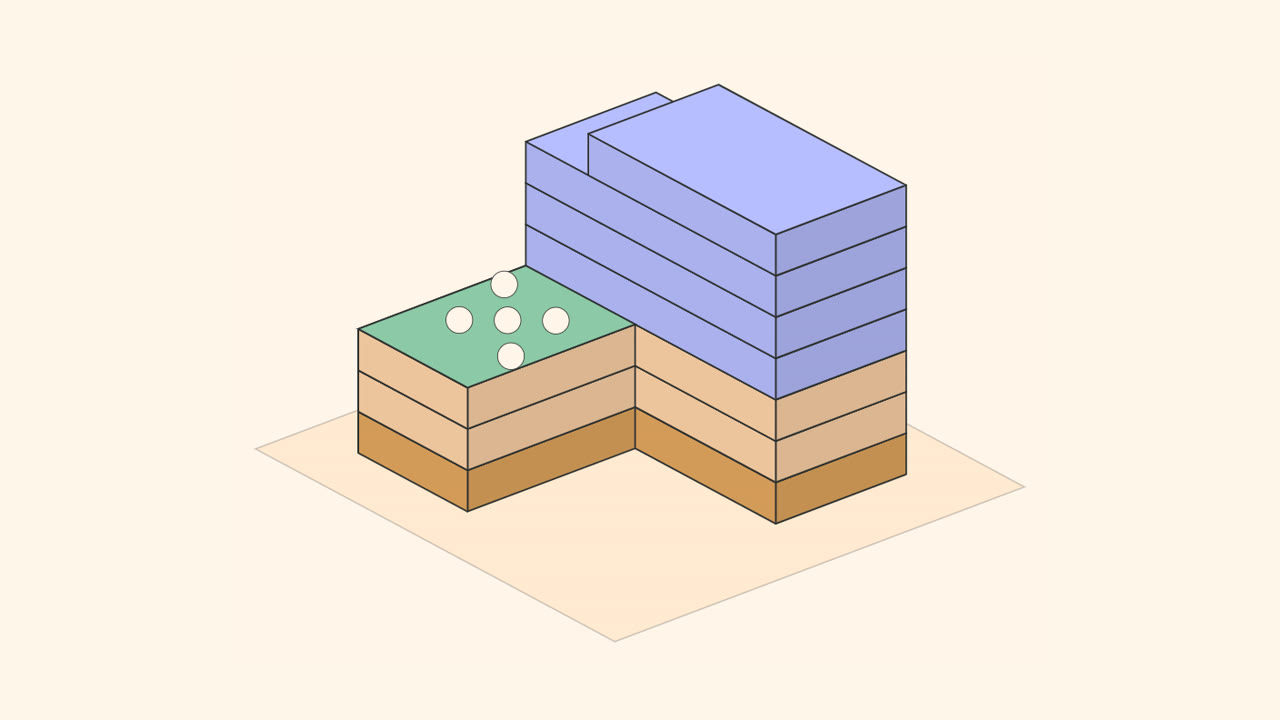 Animated tutorial · 2 min 56
With McNeel's official MCP, you describe the result in plain language and Claude acts in Rhino: geometry, layers, measurements.
A plain-language request → Claude + MCP → Geometry in Rhino
 Animated tutorial · 2 min 59
Custom viewers and small apps, in the browser, to see and share the Revit model’s data without opening Revit.
The method
#Revit · #BIM · #Visualization · #WebGet notified →
A well-known building, several AI tools, the same brief: we compare time, accuracy and what you can actually do with the model.
The method
#Modelling · #Comparison · #3DGet notified →
Modelling an existing building without starting from scratch.
The method
#Existing · #SurveyGet notified →
The engineer’s or manufacturer’s detail becomes a real Revit detail: components, filled regions with the project’s patterns, tags and dimensions.
The method
#Revit · #BIM · #MCPGet notified →
Every item of the specifications and the bill of quantities linked to the elements of the Revit model: quantities follow the project, and differences stand out.
The method
#Revit · #BIM · #SpecificationsGet notified →
Nothing matches.
An online tool: shape your massings, stack the programme, dress the façade, and get a booklet that tells the project step by step.
Read →With AI, having your own tools in Revit or Rhino is no longer reserved for developers. When to ask Claude live, and when to turn it into a button.
Read →Why MIRALTO is opening a lab for architects, and what you will find here.
Read →Newly tested methods, the tools that matter and invitations to the online sessions, in one e-mail when there is something worth sharing. No spam, unsubscribe at any time.
contact@miralto.fr